USB-C docking monitors consolidate key functions—such as networking, peripherals, and power—directly into the monitor. This simplifies the workplace infrastructure and lays the foundation for standardized, scalable IT environments.
Efficient Workplace Infrastructure
USB-C Docking Monitors for Standardized Workstations
Replace external docking stations and simplify your workplace infrastructure—monitors with built-in USB-C docking for deployment, operation, and desk sharing.
Discover EIZO Docking Monitors Now
Benefits of USB-C Docking Monitors for IT Rollouts
- Faster workstation deployment through standardized setups
- No separate docking stations—less hardware in use
- Fewer sources of error thanks to a simplified workstation structure
- Better scalability through a uniform workstation architecture
Real-World Examples of Standardized IT Workstations
Companies are already turning to USB-C docking monitors to simplify and standardize their workstation setups:
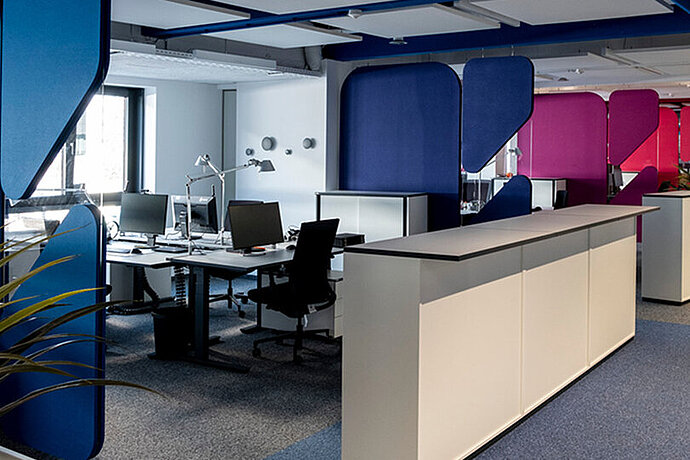

USB-C docking monitors reduce the number of external components in a workstation setup and create a unified infrastructure. This makes it possible to deploy workstations more quickly, operate them more easily, and scale them consistently
Monitors with built-in docking stations for standardized workstations
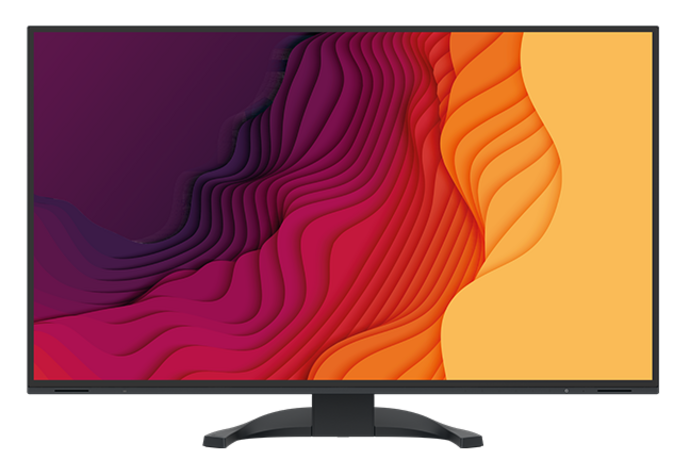
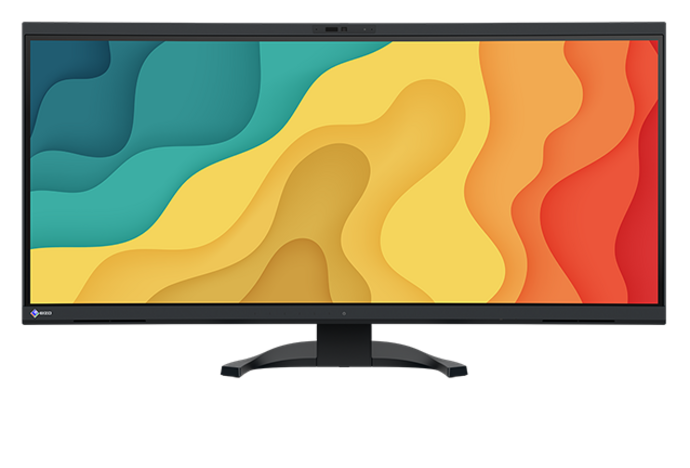

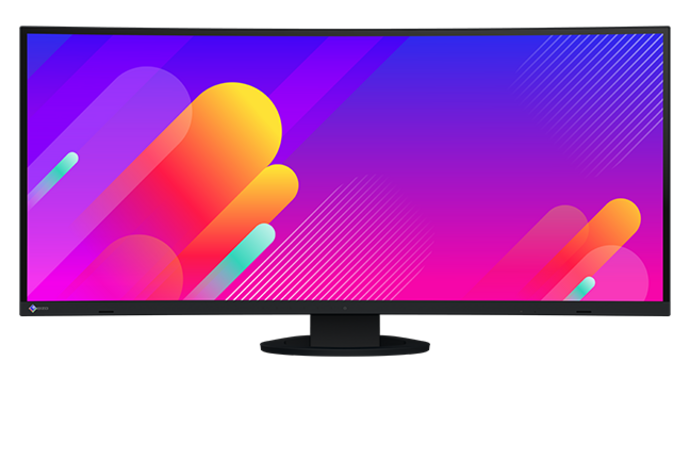


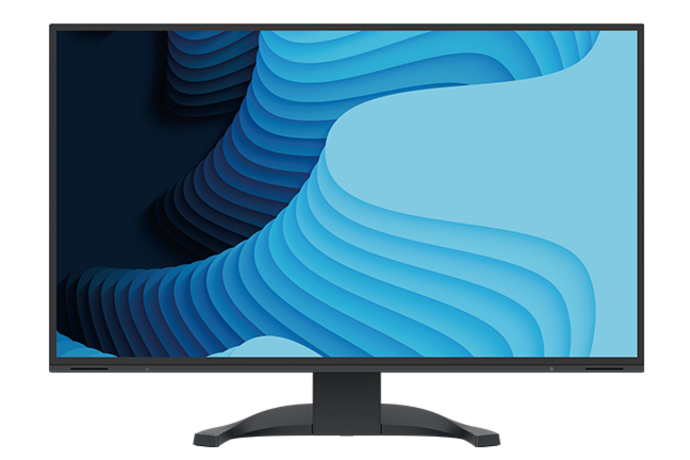
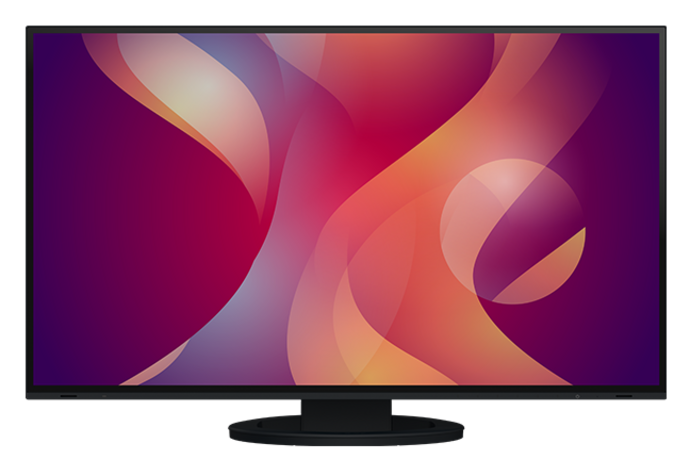

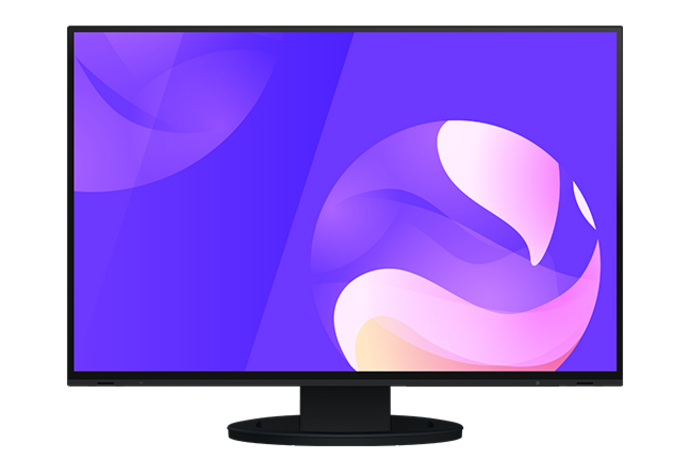
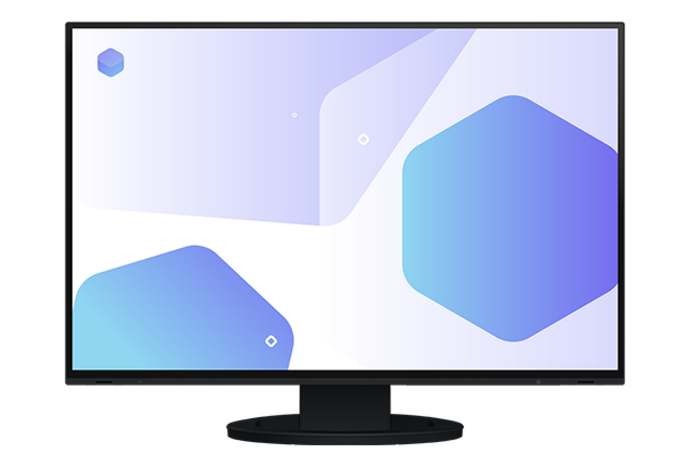

USB-C enables the consolidated connection of video, data, network, and power connections via a single cable. When used with docking monitors, these functions are centrally bundled within the monitor and are available in a standardized format, regardless of the end device.
Standardized Workstation Infrastructure with USB-C Docking
USB-C provides a consolidated connection for video, data, and power. When combined with docking monitors, this creates a standardized workstation setup in which the monitor serves as a central hub for peripherals and the network.
This reduces the number of external components and makes the workplace infrastructure more streamlined, scalable, and easier to manage—especially in flexible work models such as desk sharing or BYOD.