

Crystal-clear display
CG3200X ColorEdge
Features
QD-OLED monitor: Specialized for SDR and HDR grading with innovative ABL control.
Precision and color accuracy
High-contrast, bright and crisp screen
Crystal-clear display
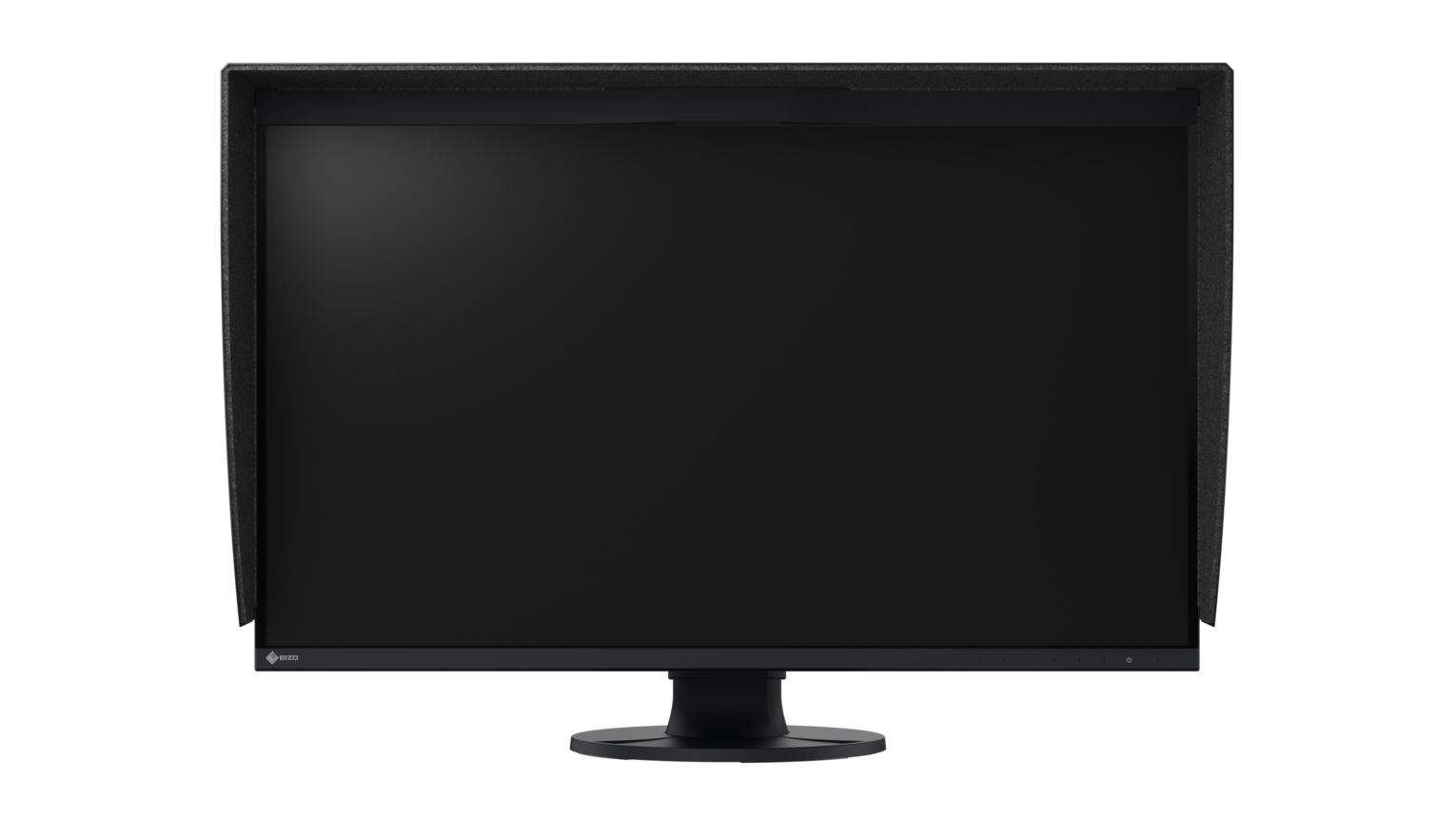
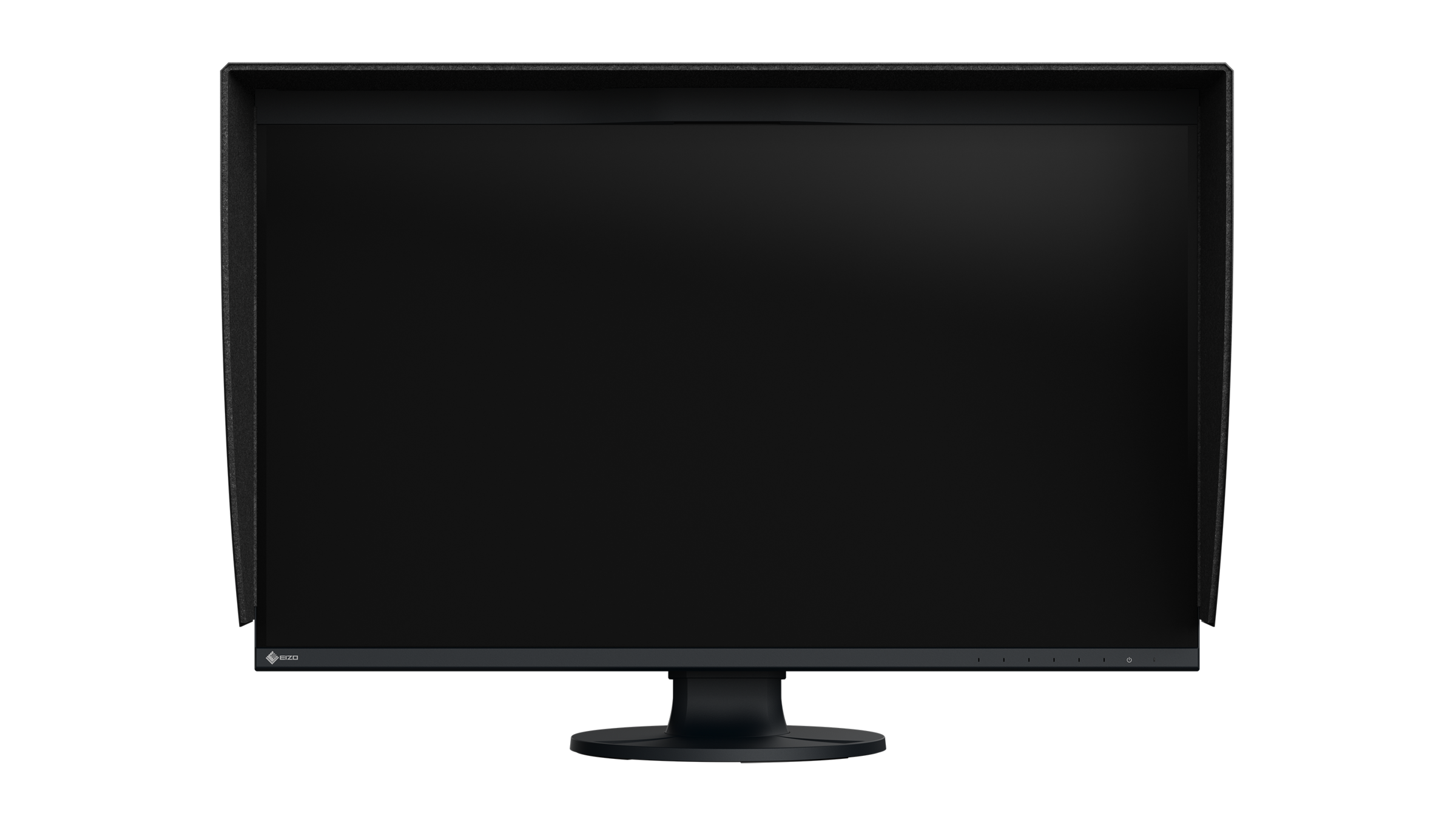
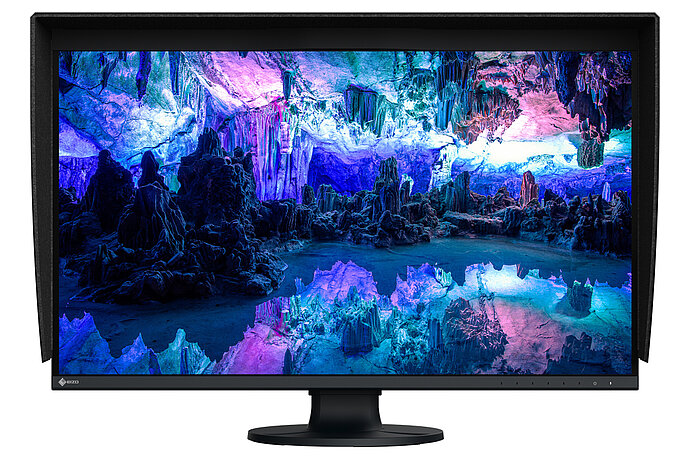
The ColorEdge CG3200X is the first OLED model in the ColorEdge series and combines decades of color management expertise with modern display technology. It delivers ColorEdge precision for HDR and SDR workflows and ensures reliable results at every stage of production. The QD-OLED panel enables precise HDR control, vivid color reproduction, and deep blacks that create true image depth. The spacious 31,5-inch display keeps timelines and tool palettes comfortably in view, while the 3840 x 2160 (4K UHD) resolution renders content with razor-sharp clarity.
For saturated colors
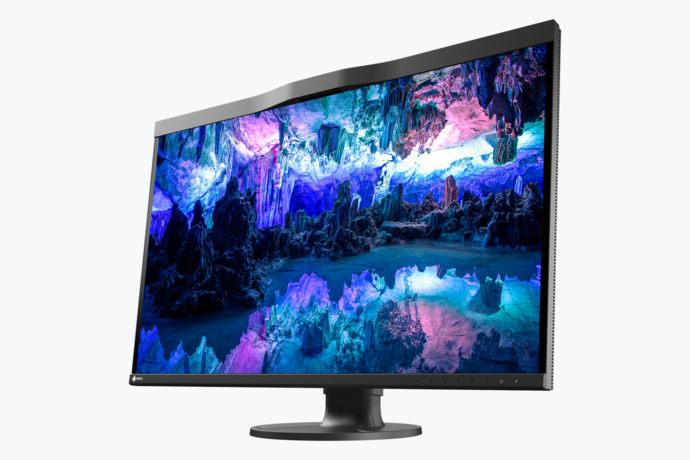
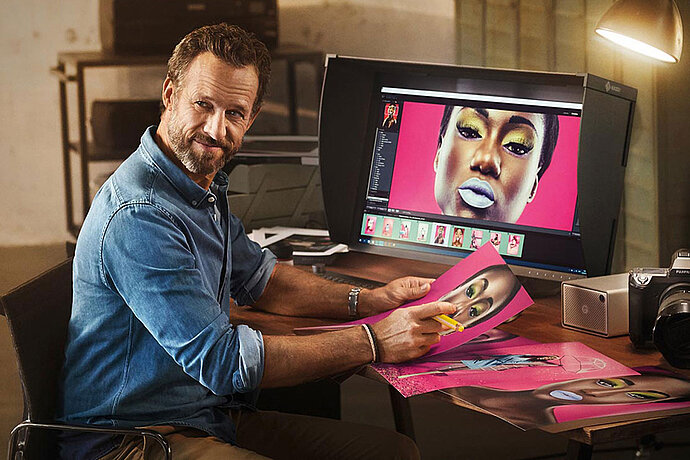
To make the most of the wide color spectrum produced by modern cameras, a monitor must offer the widest possible color gamut. Otherwise, it’s impossible to visually assess and edit the saturated hues contained in the file. That’s why the QD-OLED + AGLR (Anti-Glare, Low-Reflection) panel of the ColorEdge CG3200X covers more than 99% of the DCI-P3 color gamut. This ensures that the full color spectrum of many modern film cameras is displayed accurately and completely.
Smooth transitions and gradients
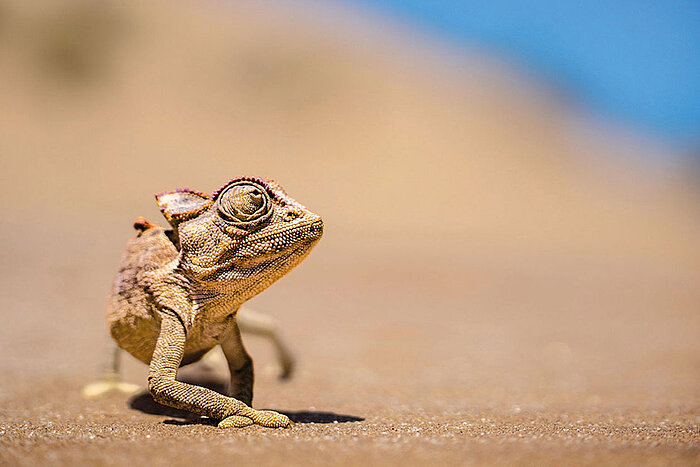
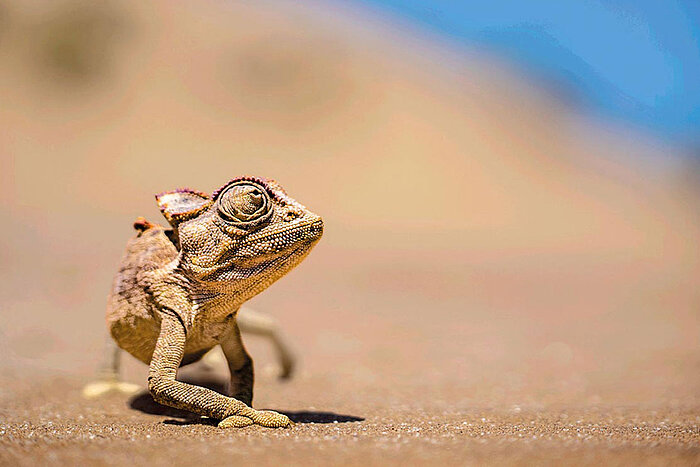
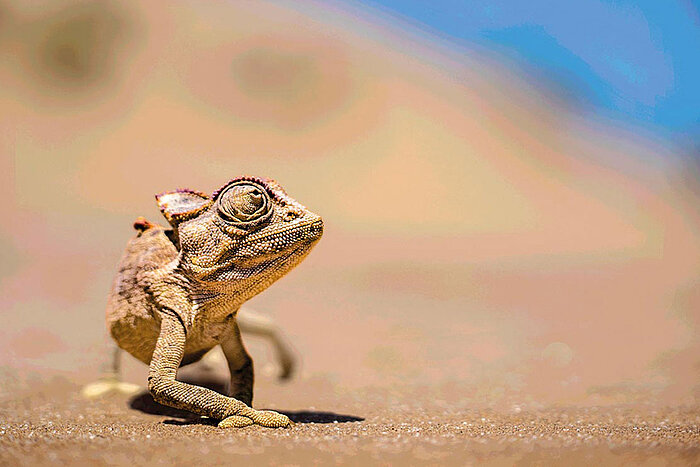
The LUT (look-up-table) on the CG3200X employs internal calculations with 24 bits for an extremely high colour depth and outputs the signals with up to 10 bits. This provides billions of hues for calculating the precise monitor display, effectively preventing display errors caused by the monitor such as banding or clipping, which can result in tonal breaks in gradients or unnecessary colours in greyscale. Even fine nuances and structures in dark or highly saturated areas of the image can be displayed in a differentiated and detailed manner.
Effortless color management
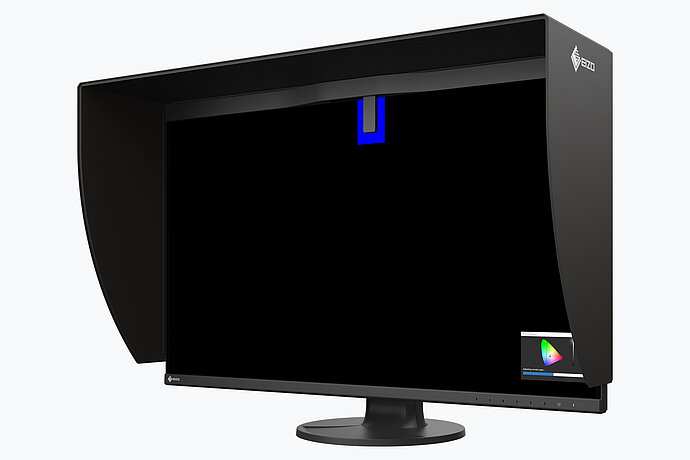
An integrated calibration sensor ensures you achieve maximum colour accuracy. The sensor is perfectly aligned to the monitor, takes environmental influences such as light into account, and correlates the centre of the image with the edge of the image. This ensures an even result over the whole monitor. The sensor is located in the bezel and is only extended when performing measurements. This means that no external calibration device is necessary, and the colour fidelity of the monitor is optimal at all times.
You can use the ColorNavigator software or the on-screen menu to determine when you want monitor calibration to take place automatically. For example, you can schedule calibration to take place during your lunch break or overnight, with no PC connection required.
Read more about integrated sensor technology at the EIZO Academy.
Homogeneous image display
OLED panels are inherently characterized by exceptional uniformity. To ensure even greater consistency, EIZO’s patented “Digital Uniformity Equalizer” (DUE) technology compensates for variations in brightness and color. By applying corrections across the entire screen and at every gray level, it helps ensure uniform colors and brightness for accurate image reproduction.


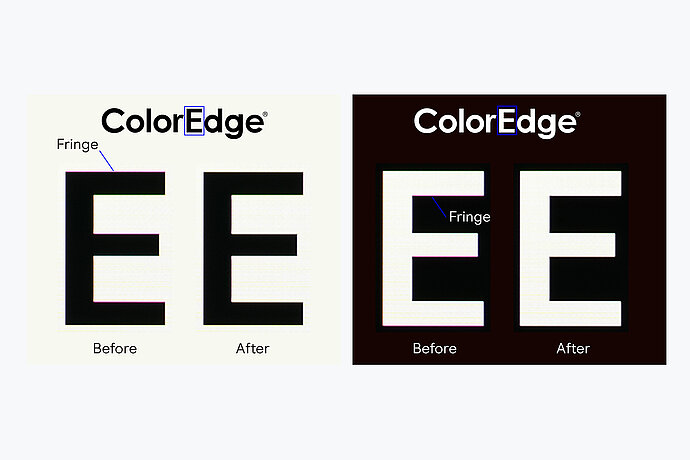
Reduce Color Fringing
On conventional OLED monitors, high-contrast edges in text and fine details can exhibit color fringing. The CG3200X features a special correction circuit that reduces these artifacts and enables crisp edge rendering.
Industry-leading AI
To ensure gradations, colour, brightness and other characteristics are always accurately displayed even when the ambient temperature changes, the ColorEdge CG3200X is equipped with a temperature sensor. It accurately measures the monitor’s internal temperature, while an AI (artificial intelligence)-assisted correction algorithm* distinguishes between different temperature change patterns and calculates a precise adjustment in real time.
* Patent pending

In just three minutes
It takes a traditional monitor a minimum of 30 minutes for the brightness, chromaticity and tone values to stabilise, whereas the ColorEdge CG3200X only needs three minutes. It means that users know they can reliably trust the colours of the monitor within a short time after switching in on.


ColorNavigator
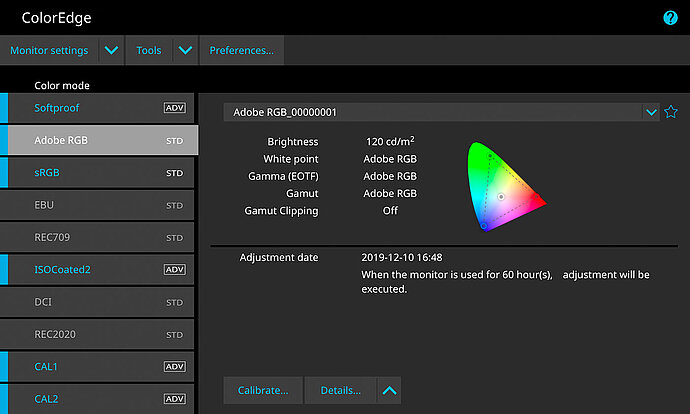
Good image processing is only possible on well-calibrated monitors. The usual software calibration takes a long time and requires the user to have a certain level of technical expertise. The CG3200X is supplied with ColorNavigator hardware calibration software. With ColorNavigator, you can perform calibration quickly, easily, and with excellent colour precision: During calibration, the software directly accesses and saves to the look-up-table in the monitor hardware. You determine the relevant components such as white balance, gamma, brightness, and tone value curve according to your requirements. Calibration then runs automatically based on the default set during production and is therefore unique in terms of precision and speed. This also means that calibration can be performed by users in just a few steps, with no need for in-depth technical knowledge. Because the calibration takes place via the monitor hardware, it is performed without loss and independently of the computer and graphics board. The CG3200X can also be smoothly integrated into an existing system.
For Developers
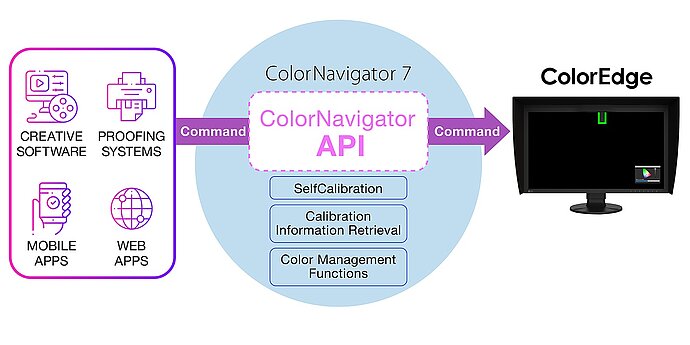
EIZO's ColorNavigator API is available for software developers and system managers to integrate ColorNavigator 7 functions into third-party applications. Integration effectively allows other applications to perform certain monitor management functions without requiring the user to operate ColorNavigator 7 in a separate window. ColorNavigator 7 functions that are available with the API include changing the color mode, creating a new calibration target, executing or canceling SelfCalibration, retrieving calibration results, and more.
For example, with the ColorNavigator API, studios could write a script to perform functions directly from within their chosen editing software. This could allow editors to easily change the monitor's color mode to match their current project settings in fewer clicks and without leaving the editing application interface. Developers of a range of applications, such as those used for video editing, color grading, proofing systems, digital graphics, and even remote control, could use the API to improve operations throughout the workflow.
For System Administrators
For users who want to calibrate several monitors in the company, EIZO offers the ColorNavigator Network tool. This allows for the quality management of many ColorEdge monitors to be carried out centrally. Among other things, an administrator can deliver calibration targets to the users and trigger the automatic calibration of ColorEdge monitors of the CG series. With the help of a secure cloud server offered by EIZO, it is possible to administer this central quality management across numerous locations or even continents.
Ready to use right out of the box
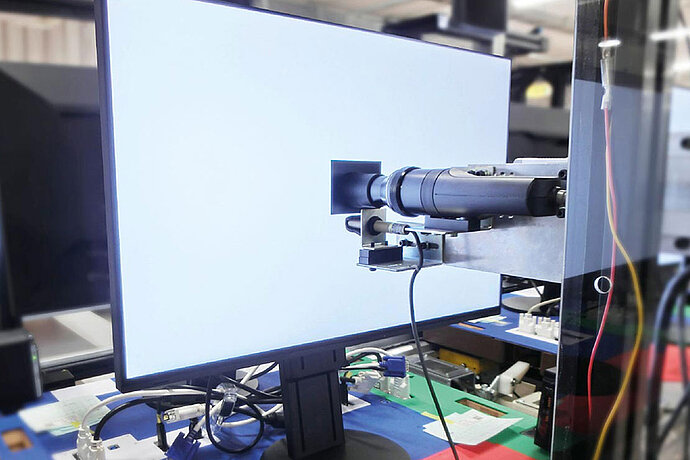
Every ColorEdge CG3200X is individually measured and optimally configured in the factory, enabling it to be used immediately after it has been unboxed. To this end, the gamma curves for the red, green and blue channels are closely checked and corrected, if necessary. This unique EIZO factory calibration enables the user to start using the monitor with the preset gamut range right out of the box. This painstaking calibration at the factory ensures that the user can quickly recalibrate the monitor if needed using ColorNavigator.
Individual factory adjustment
Each ColorEdge CG3200X comes with an individual calibration report that shows the measurement results of the factory calibration of the monitor. The report proves the homogeneity, gamma curve, colour space coverage and white point of the monitor.
For optimized color reproduction
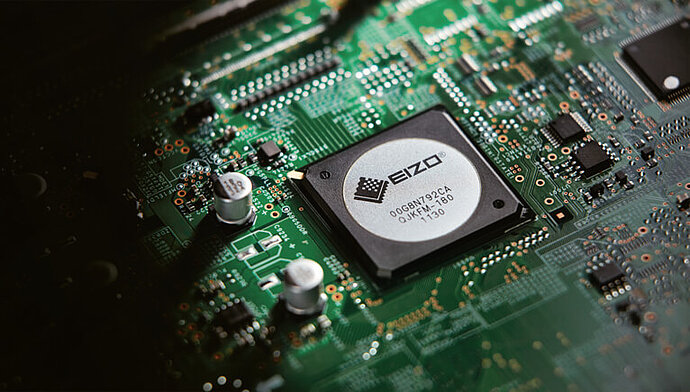
The CG3200X has a high-quality microchip whose features EIZO has developed specifically for the special requirements of color-accurate work. This microchip is the brain of a ColorEdge as it guarantees the precise, uniform and constant image display that is the hallmark of EIZO.
Video and film production
Features for post-production
Built-in professional HDR support
The CG3200X’s QD-OLED panel delivers 1000 cd/m2 peak brightness and 300 cd/m2 full-screen brightness, combined with an exceptional 1,500,000:1 contrast ratio. This enables precise reproduction of brilliant highlights down to deep blacks – perfect for expressive HDR content.
The monitor supports the Hybrid Log-Gamma (HLG) transfer function for television and the Perceptual Quantization (PQ) curve for film and streaming production.
EIZO Automatic Brightness Limiter (ABL)
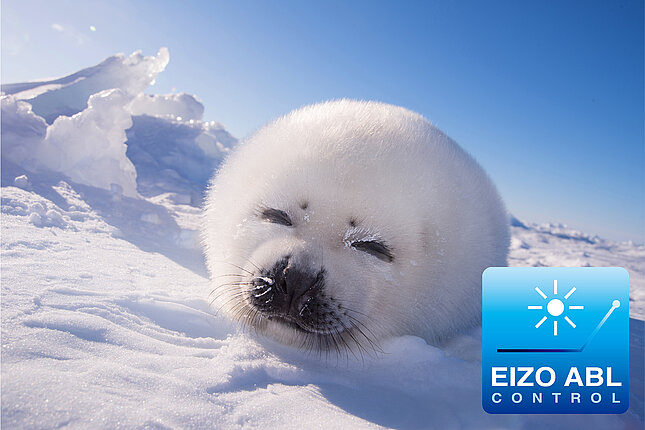
Conventional OLED monitors use ABL (Automatic Brightness Limiter) to protect the panel during bright scenes. The more of the screen that becomes bright, the more ABL automatically reduces the overall brightness. This often leads to visible color shifts and changes in tonal range. The CG3200X has a higher brightness threshold to reduce unnecessary dimming. This maintains brightness across larger areas of the image, whereas conventional ABL systems aggressively dim during bright scenes.


EIZO Automatic Brightness Limiter (ABL)
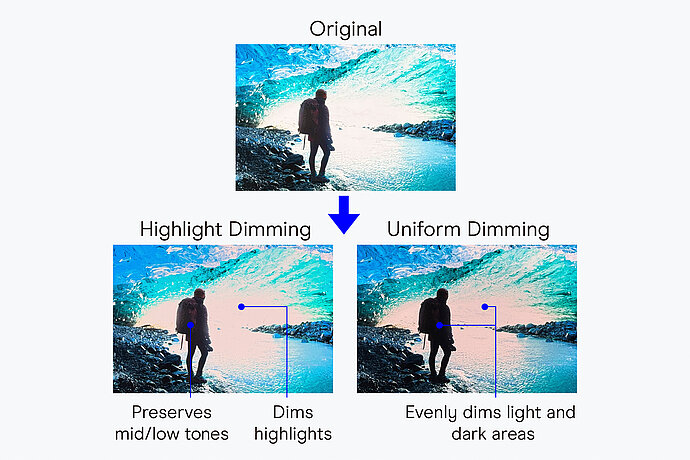
Users can choose between Highlight and Uniform Dimming to customize the ABL behavior according to their needs.
Reduces brightness and clips tonal values only in the brightest areas of the image, preserving detail and tonal quality in the midtones and darker areas.
Adjusts brightness evenly across the entire image and stabilizes the balance between highlights and shadows for consistent image evaluation. The ABL regulates brightness far less aggressively than conventional ABLs.
EIZO Automatic Brightness Limiter (ABL)
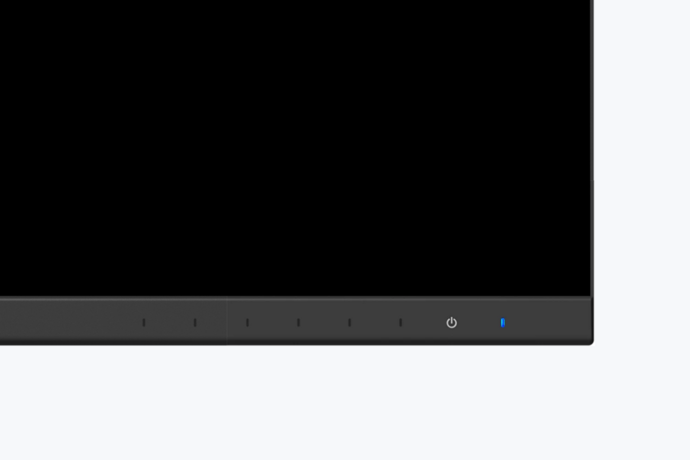
A blue indicator signals that ABL is active without interrupting your workflow.
EIZO Automatic Brightness Limiter (ABL)
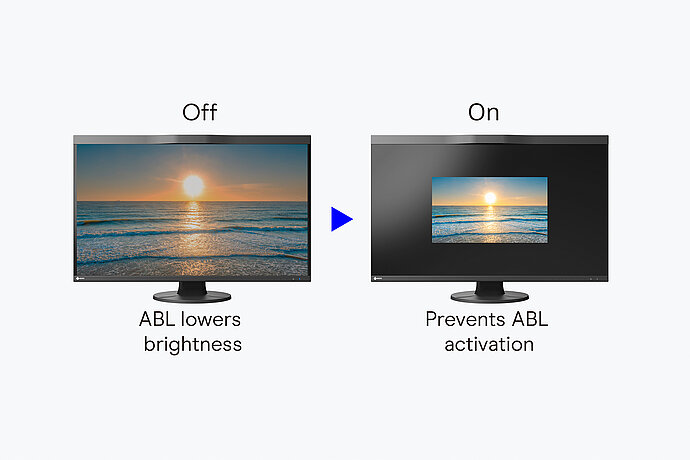
ABL can interfere with accurate highlight assessment when bright scenes cause unexpected dimming. ABL Safe View is designed to prevent this by reducing the display area to 25% or 10%. This lowers the average brightness and makes ABL activation less likely. This allows users to assess the progression of a scene at its intended brightness without automatic dimming occurring.
Pre-installed industry standards
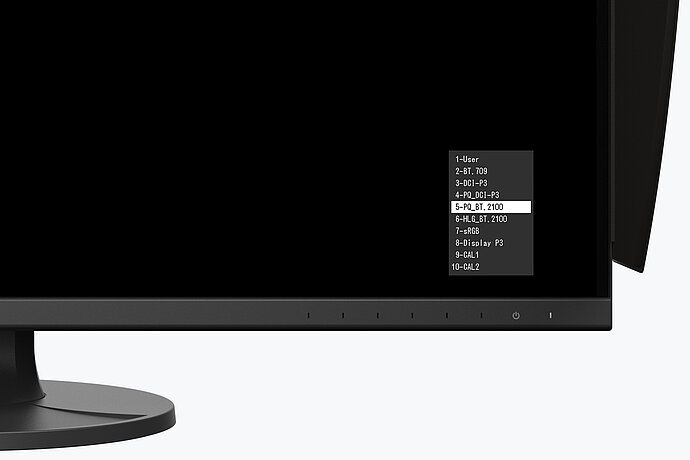
Presets for the DCI-P3, BT.709, and Display P3 color spaces are precisely factory-calibrated and ensure that you work with correct gamma values. In addition, color modes for PQ (DCI and BT.2100) and HLG (BT.2100) for displaying HDR content are also pre-set at the factory. The brightness setting for each preset can be conveniently adjusted and recalibrated thanks to the built-in calibration sensor. The HDR mode of Windows and macOS is directly supported. This makes it very easy to use typical HDR video applications with the appropriate tone curve and corresponding monitor settings.
SDR Color Grading
SDR content is typically created for displays with contrast ratios between 1000:1 and 2000:1. On OLED monitors with significantly higher contrast, the content may appear different. For this reason, the CG3200X’s contrast ratio can be adjusted between 500:1 and 2000:1 in 100-step increments. This ensures precise SDR evaluation and consistent results across different output devices.
Safely in view
Ideal for subtitles and critical image content: Thanks to the Safe Area Marker, you can immediately see which areas of the image will remain clearly visible on different playback devices. This allows you to verify that subtitles, text, and important image elements are within the intended viewing area and won’t be cut off by the image edges. To ensure the marker is clearly visible on every image, you can customize the marker color, size, and aspect ratio.

Sync Signal
The ColorEdge CG3200X offers Sync Signal functionality, which adjusts monitor settings such as signal range and colour format to the video signal, offering consistent color settings during the entire production process.
Make brightness limits visible
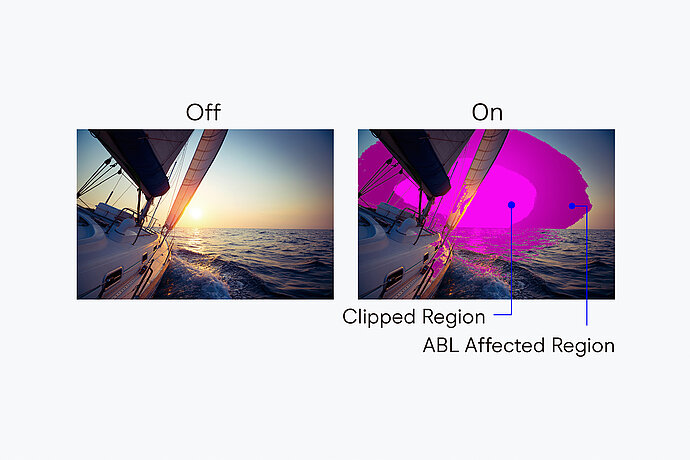
The luminance warning uses color indicators to highlight image areas that exceed a certain brightness threshold. In Highlight Dimming mode, areas affected by ABL are marked. These areas can be highlighted in either yellow or magenta.
Precise workflow color control
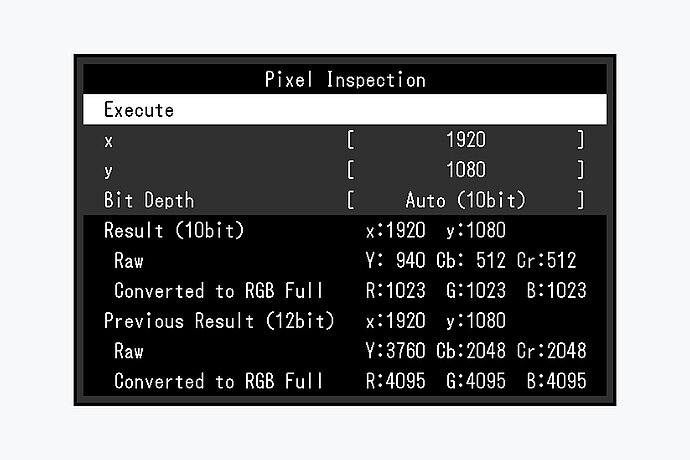
Incorrect system configurations impair processing and can lead to a considerable need for corrections to the project and costly delays. With the pixel inspection function, which is controlled via the monitor's OSD, the color information of a pixel from the source data can be compared with the values displayed on the monitor.
This allows system administrators to check whether the technical configurations match the predefined color parameters of the current project. This is particularly helpful when users are working remotely and the system managers cannot check the settings on site.
Ideal for video and film production
Films are normally recorded at 24 fps. They therefore appear unnatural with the conventional monitor rendering of 60 Hz. The monitor supports an image frequency of 24 to 60 Hz. This means that you can view and edit your film material as it was taken.
HDMI signals with refresh rates of 60, 50, 30, 25 and 24 Hz are supported. The monitor also features I/P conversion.
Variety of ports
Best connectivity
Modern and future-proof
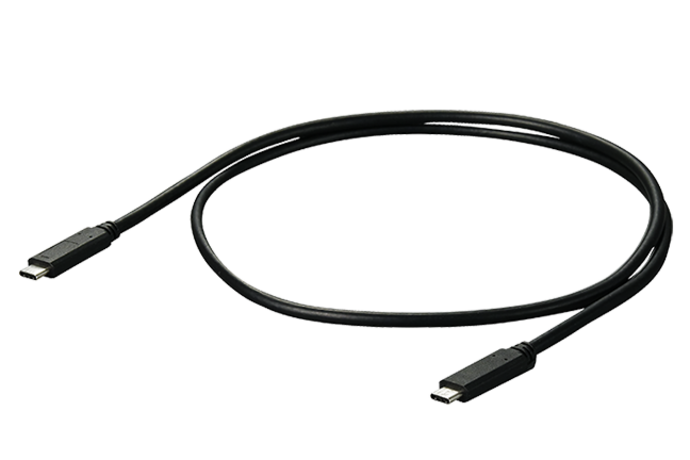
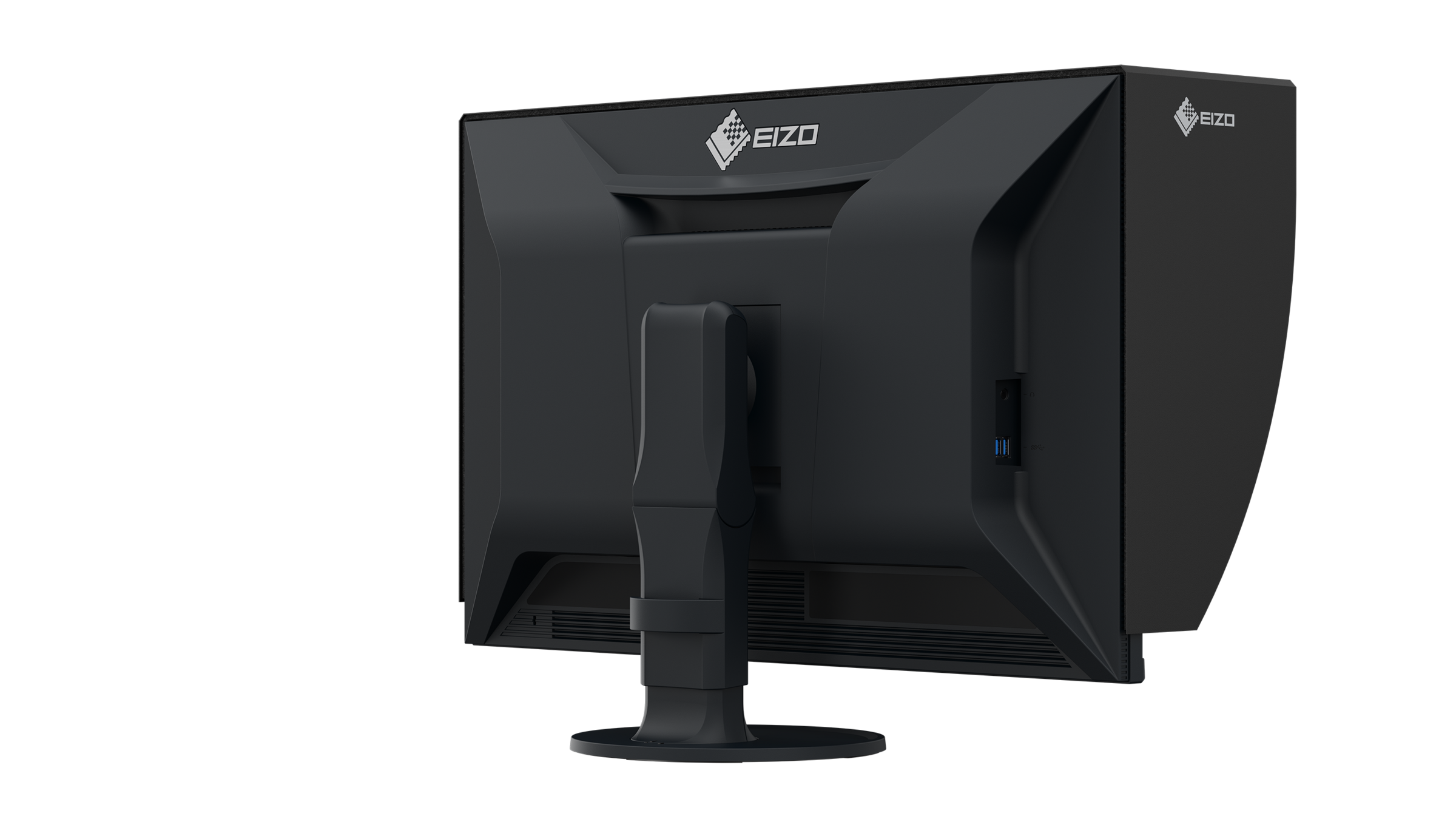
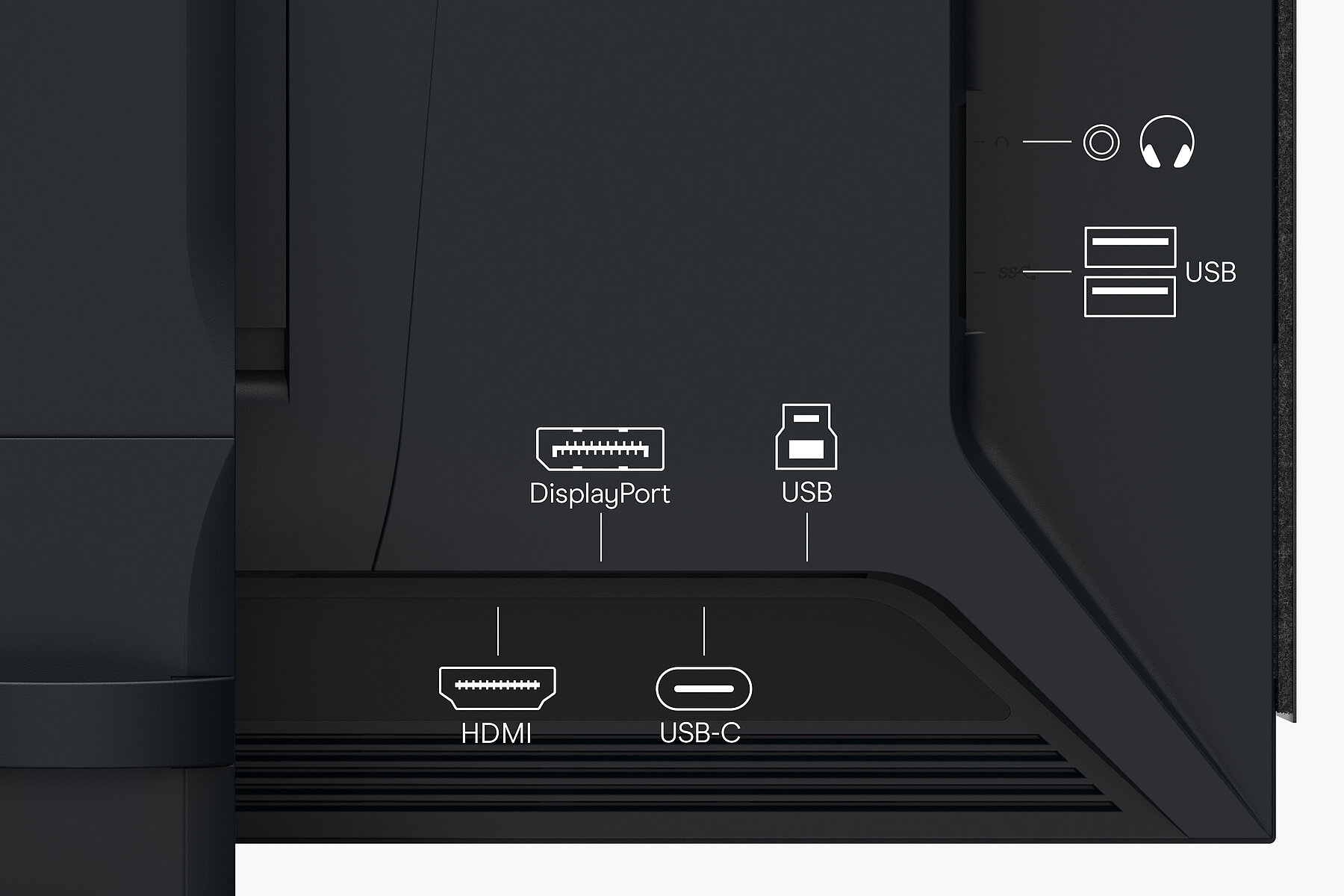
Image signal, USB data transfer as well as power supply with up to 60 W, all this and more can be realised with a single USB-C cable. This makes the ColorEdge CG3200X the central dock of the graphic workflow. Peripheral devices such as a mouse, keyboard or printer can be connected directly to the USB-A ports. Mobile devices such as laptops or tablets can even be charged via the USB-C cable with up to 60 W via the USB-C cable. In this way, a laptop and CG3200X can be turned into a fully-fledged desktop workstation with a quick flick of the wrist.

Conveniently connected
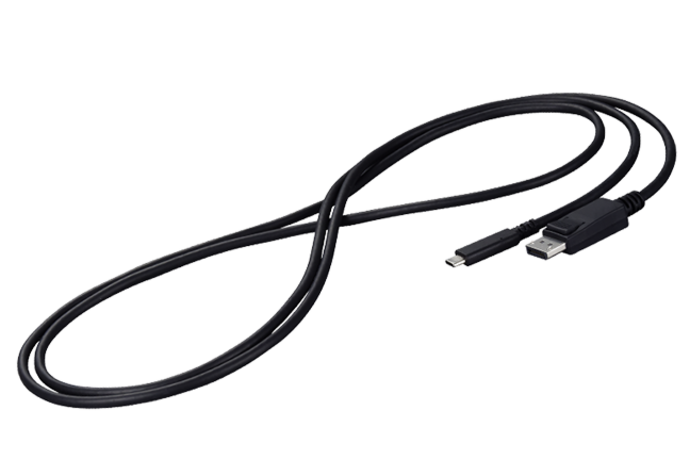
The CG3200X supports a wide range of video formats via USB-C, HDMI and DisplayPort interfaces. This means that the monitor can not only be integrated into PC-based workflows but can also be used with HDMI feeders.
The CG3200X supports HDMI Fixed Rate Link (FRL). The FRL signal format is required to receive 12-bit signals, process uncompressed high-resolution data such as 4K and utilize high-speed bandwidths for compressed video transport over an HDMI connection. The HDMI connection on the ColorEdge CG3200X supports up to DCI-4K at 60 Hz 4:4:4 12 bit.
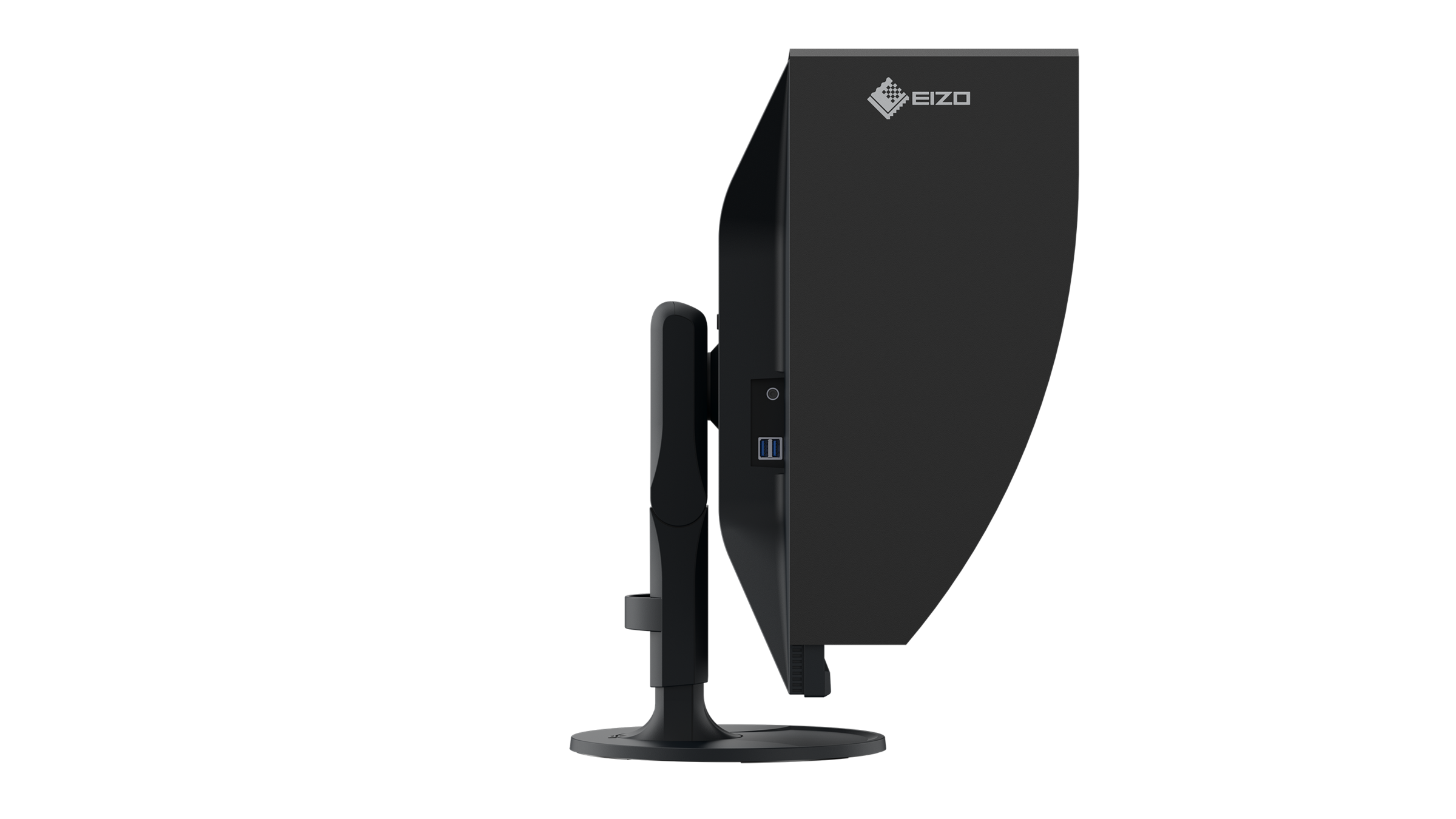
An easily accessible headphone jack allows for convenient audio monitoring during production.
Two PCs, one control
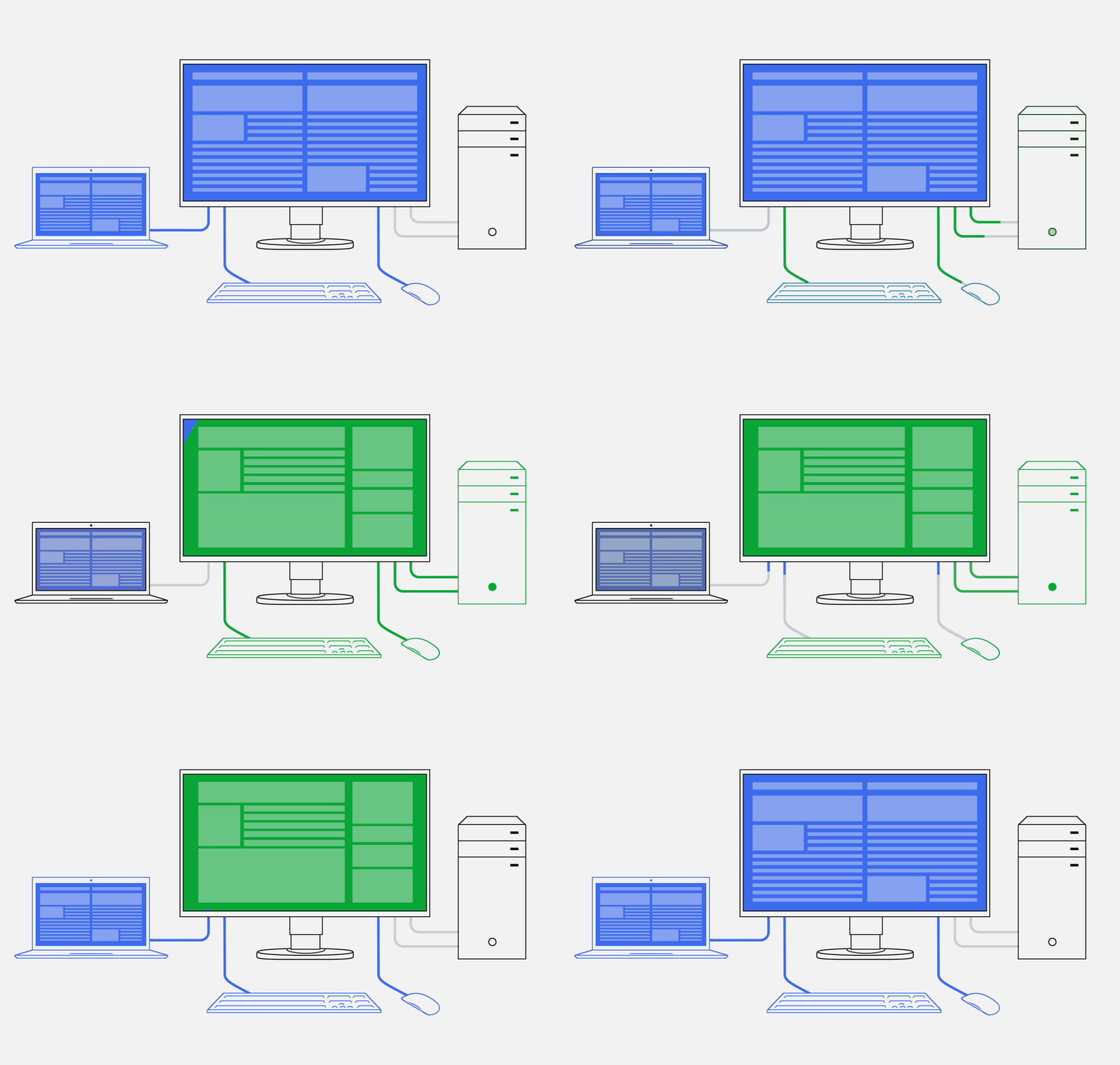
It has never been easier to operate different PCs with a single mouse and keyboard. Thanks to the USB upstream ports, the CG3200X has an integrated KVM (Keyboard Video Mouse) switch. The monitor automatically links the webcam, microphone, speakers, mouse and keyboard to the currently active source computer. This means, for example, that a desktop PC and laptop or business and private PC can each be operated on the same combination of monitor USB devices. This ensures uninterrupted working and a tidy workspace.
Ergonomics
Working in a relaxed manner
For the sake of the eyes
The monitor is flicker-free at every brightness setting. This is great for users, as their eyes will not tire as quickly, allowing them to work in front of the screen for longer periods of time without fatigue.
More image, less reflection
The CG3200X features a new AGLR (Anti-Glare, Low-Reflection) anti-glare coating. This effectively prevents glare by minimizing reflections through the scattering of reflected light. Eye strain is reduced. Additionally, you can sit comfortably in front of the monitor without having to adopt an “awkward posture” to avoid glare.
Flexible adjustment
Our screens offer continuous height adjustment. Depending on the model, they can even be lowered to the base plate of the stand. This guarantees the best possible ergonomics, regardless of whether the user is sitting or standing in front of the screen. You can also swivel, rotate and tilt the monitor base to the position that is most comfortable for your posture.
The CG3200X can also be rotated into the portrait format, which is a great advantage for tethered shoots of people in the portrait mode, for example.
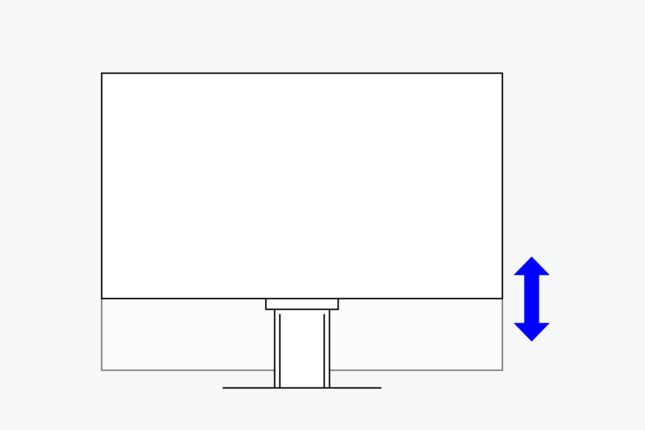
142.1 mm
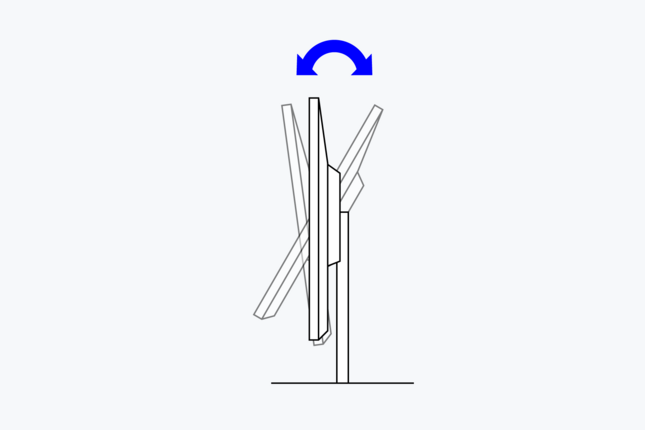
Between 5° forwards and 35° backwards
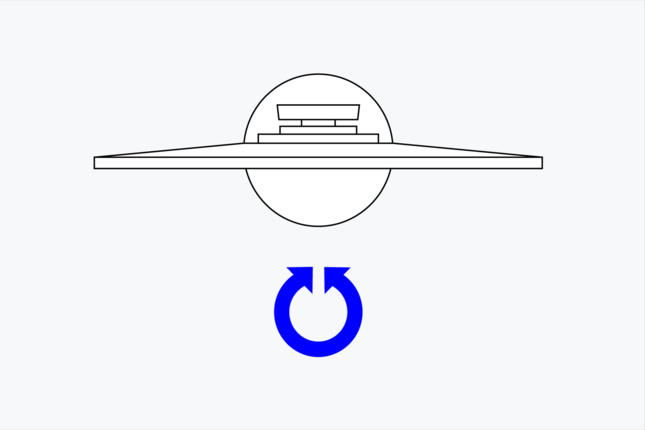
344°
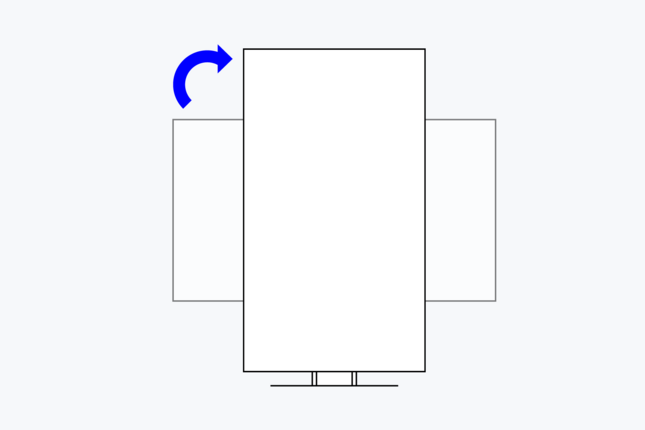
clockwise
Quick access to popular functions
Depending on the model, up to three sensor buttons on the front can be assigned functions from the on-screen menu. The advantage: you have direct access to frequently used features.
Protection against reflections and glare
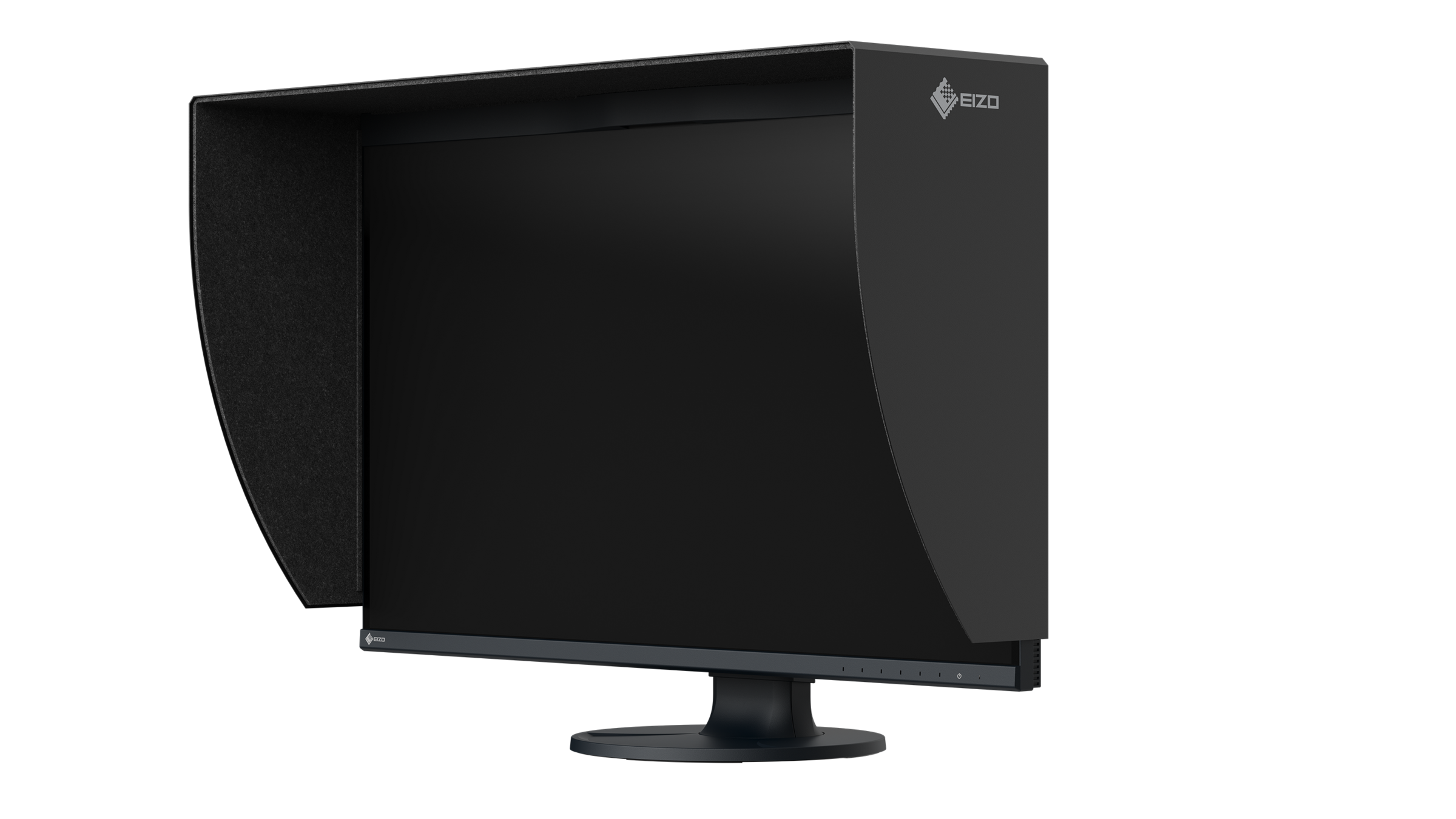
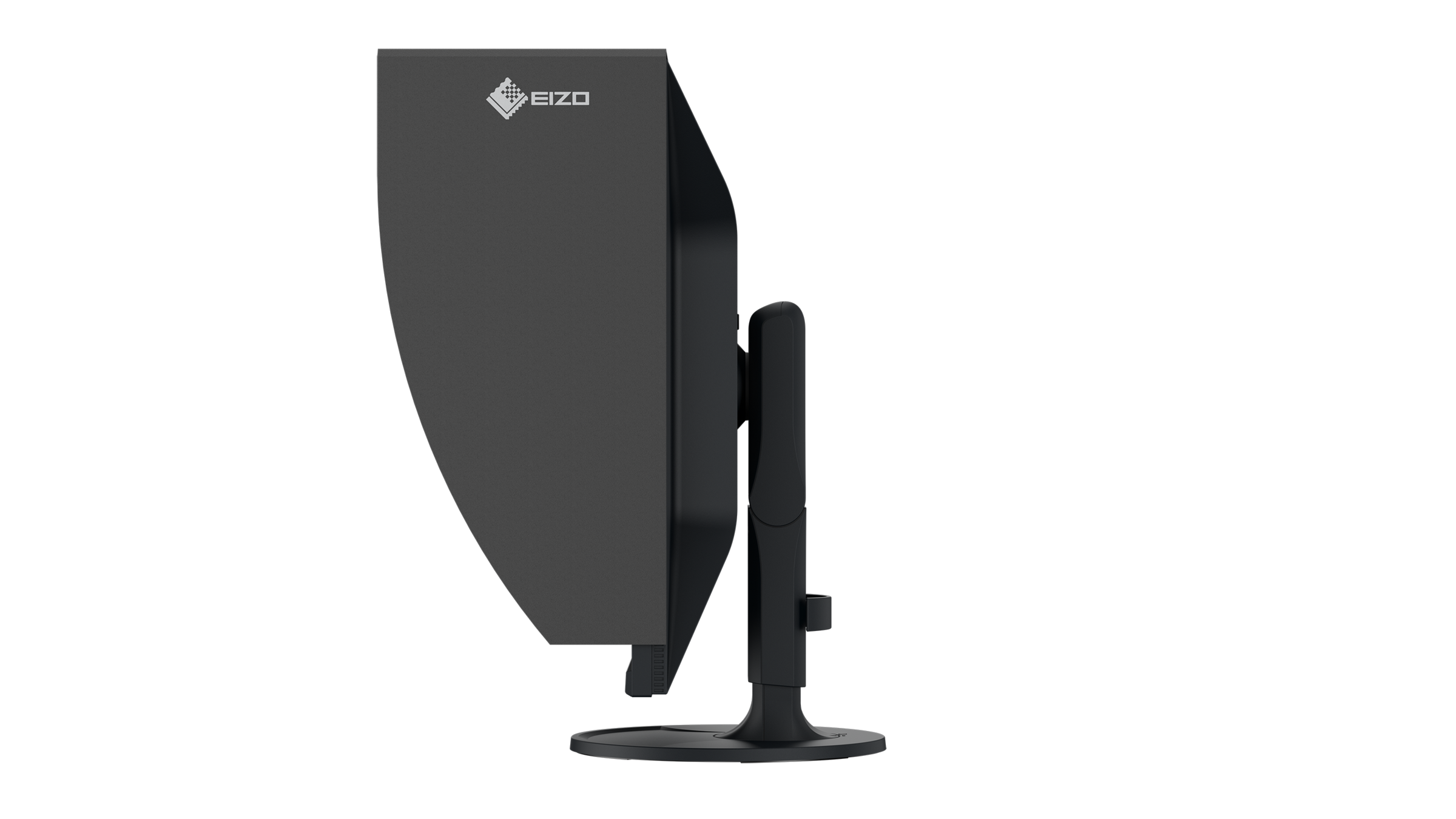
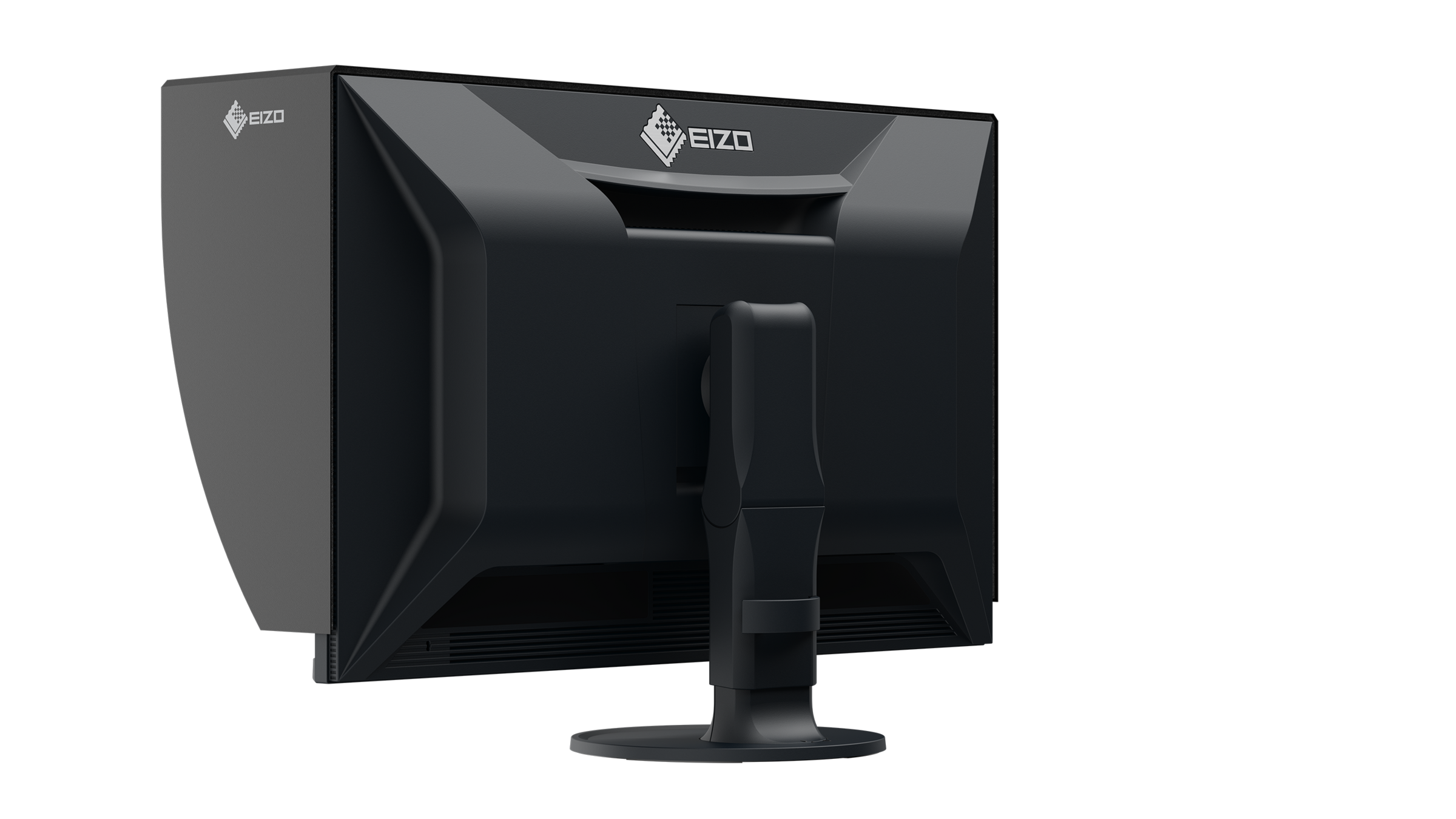
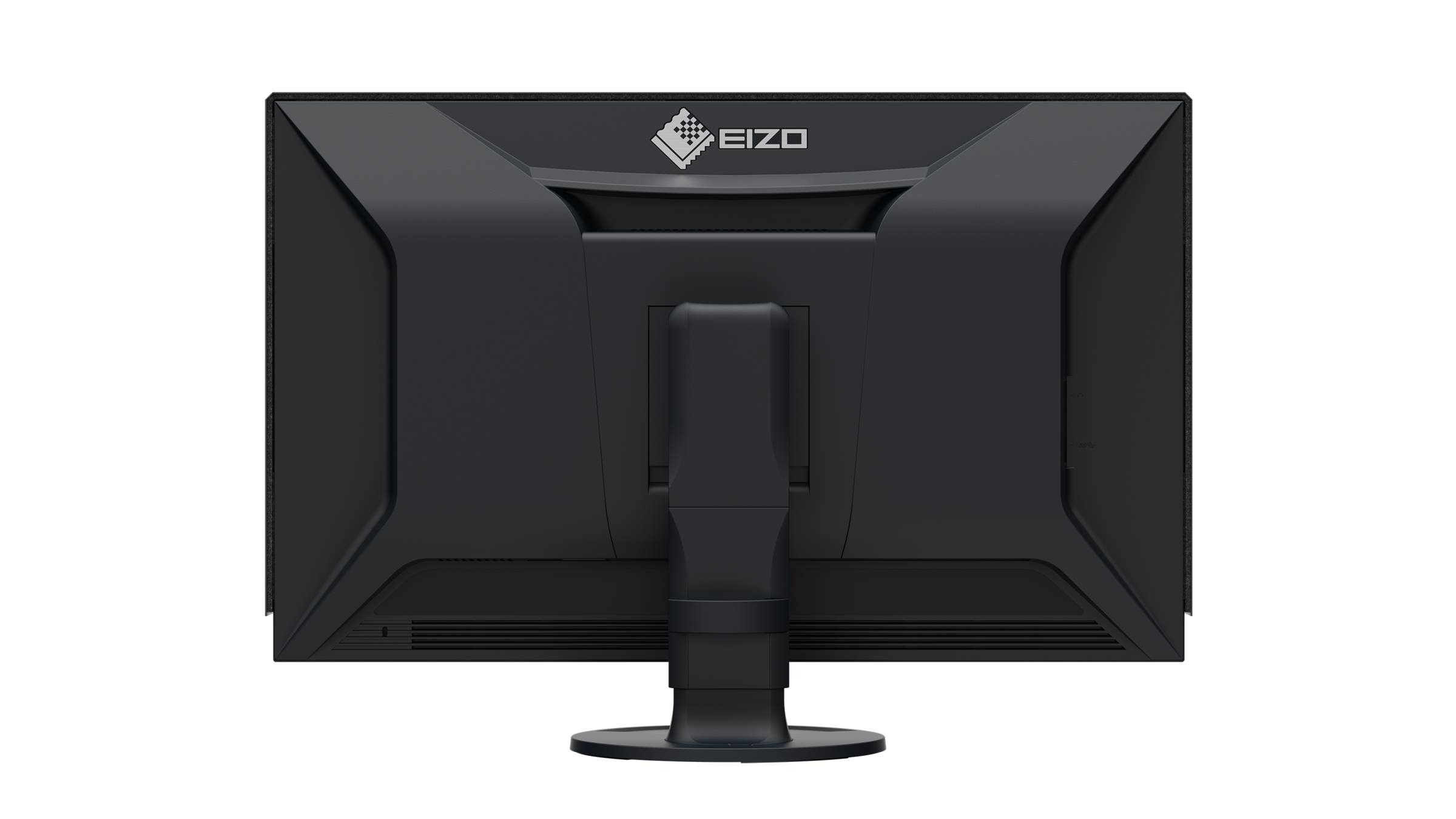
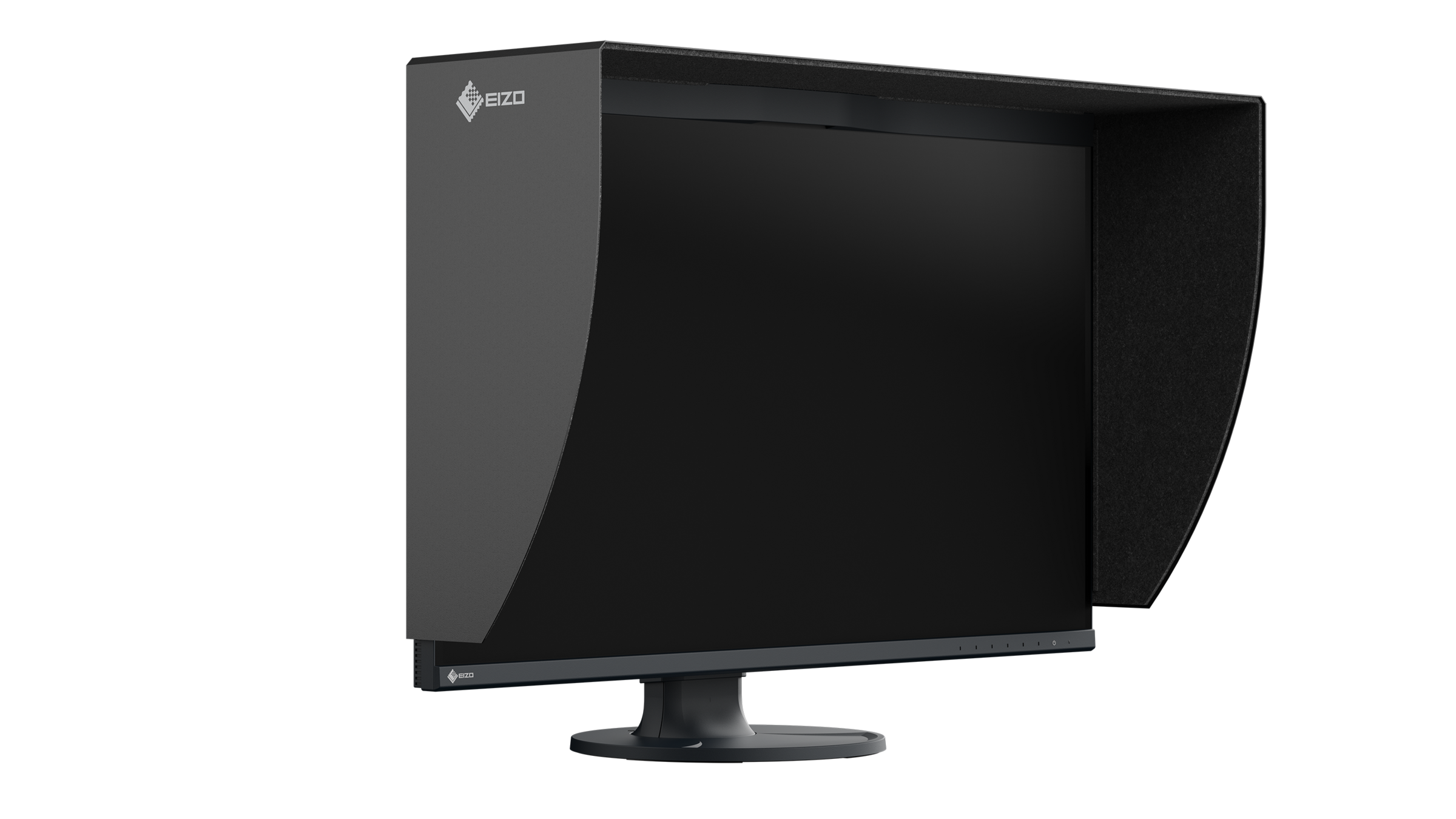
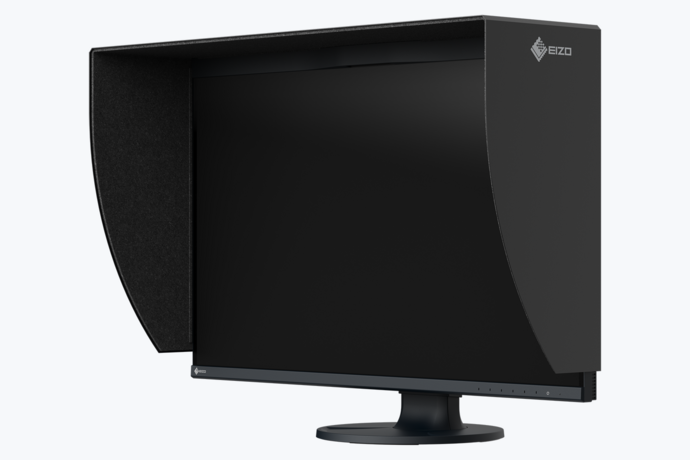
The monitor hood reduces reflection and brightness on the screen and helps protect your eyes. It is easy to attach and reduces the amount of light that hits the screen from above and from the sides.
Sustainability
Environmentally and socially conscious production
Durable, Fair, and Resource-Efficient
The CG3200X is designed for sustainable and long-lasting use—typically well beyond the warranty period. Replacement parts remain available long after production ends, and the product’s repairability helps protect the environment. During development, emphasis was placed on minimal resource use, high-quality components, and meticulous production. Because one thing is clear: durable products make a significant contribution to environmental protection.
Manufacturing is carried out in a socially responsible manner and without child or forced labor; carefully selected suppliers are committed to the same standards, particularly regarding the handling of conflict minerals.
Manufactured in our own facility, which has an ISO 14001- and ISO 50001-certified environmental and energy management system, the production process includes measures to reduce waste, emissions, and energy consumption.
We publish a detailed annual report on these measures.
Conserving resources
Reducing the use of volatile organic compounds (VOCs) in material production, such as those found in certain paints and varnishes, is also of global interest.
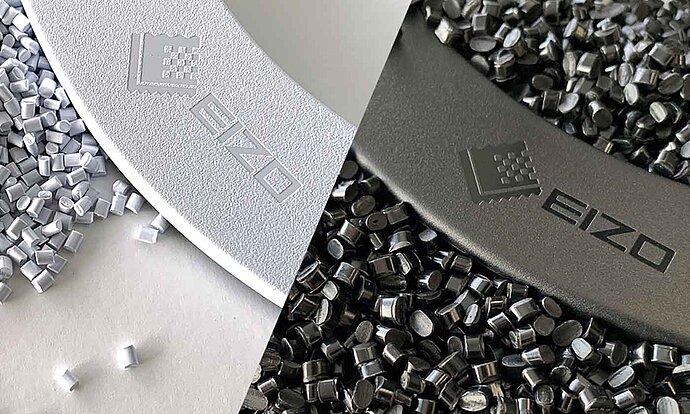
Through years of research, EIZO has succeeded in achieving a smooth, nearly homogeneous color and texture in its monitor housings without the use of varnish.
Focus on the environment
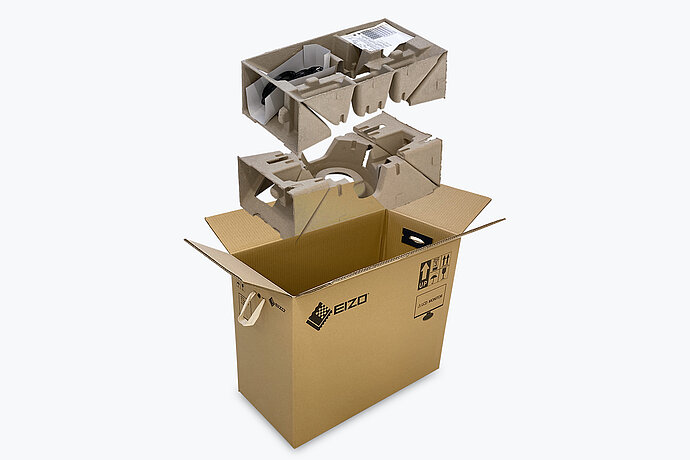
For the packaging of the CG3200X, EIZO uses a padding made of moulded pulp cellulose. The material is made from recycled cardboard and paper and has a much lower environmental impact when disposed of than traditional polystyrene or plastic. All cables are stored in a cardboard compartment instead of being individually packed in plastic bags.
Eco-conscious packaging from EIZO
Sustainable Development Goals
As part of its sustainability initiatives, EIZO is contributing towards the United Nations' Sustainable Development Goals (SDGs).
ColorEdge promotes the use of recycled materials and low-impact components, while maintaining the high performance demanded for creative work. The monitors are optimized for energy efficiency, contributing to lower greenhouse gas (GHG) emissions.
EIZO also collects and recycles used products to further minimize environmental impact. We strive to promote efficient and circular resource use across every stage of the product lifecycle - from parts and materials procurement to manufacturing, transportation, user experience, and end-of-life disposal.
All production sites at EIZO’s headquarters in Japan operate on 100% renewable energy.
ColorEdge provides a high-precision color management solution for creative environments, powered by advanced display technology and consistent color control. Unified color management across the entire production workflow streamlines color communication across creative teams and studios, helping to reduce time and costs associated with rework due to color inconsistencies.

Warranty
Highest investment security
Durable thanks to high-end quality
EIZO offers a five-year warranty*. This is made possible by a sophisticated manufacturing process based on a simple principle of success: well-designed and innovative technology, crafted from high-end materials.
* Or 30,000 hours, whichever comes first. The monitor is covered by a 5-year warranty or 30000 operating hours, whichever comes first. The OLED panel is covered by a separate warranty of two years or 10000 hours, whichever comes first. Image retention or burn-in resulting from the prolonged display of very bright images or static images is not covered by the warranty.
Maintaining Long-Term Panel Performance
The monitor features several protective functions designed to ensure long-term panel performance.
A screensaver automatically reduces brightness when static images are displayed. Pixel Shift slightly shifts image content to distribute the load on individual pixels more evenly. Pixel Cleaning compensates for panel aging and helps ensure a uniform image display.
Thermal Modulation reduces brightness when internal temperatures are high to protect the panel.
These technologies operate in the background to preserve image quality and extend the panel’s lifespan.